Makermint vs Rosebud AIRead the guide
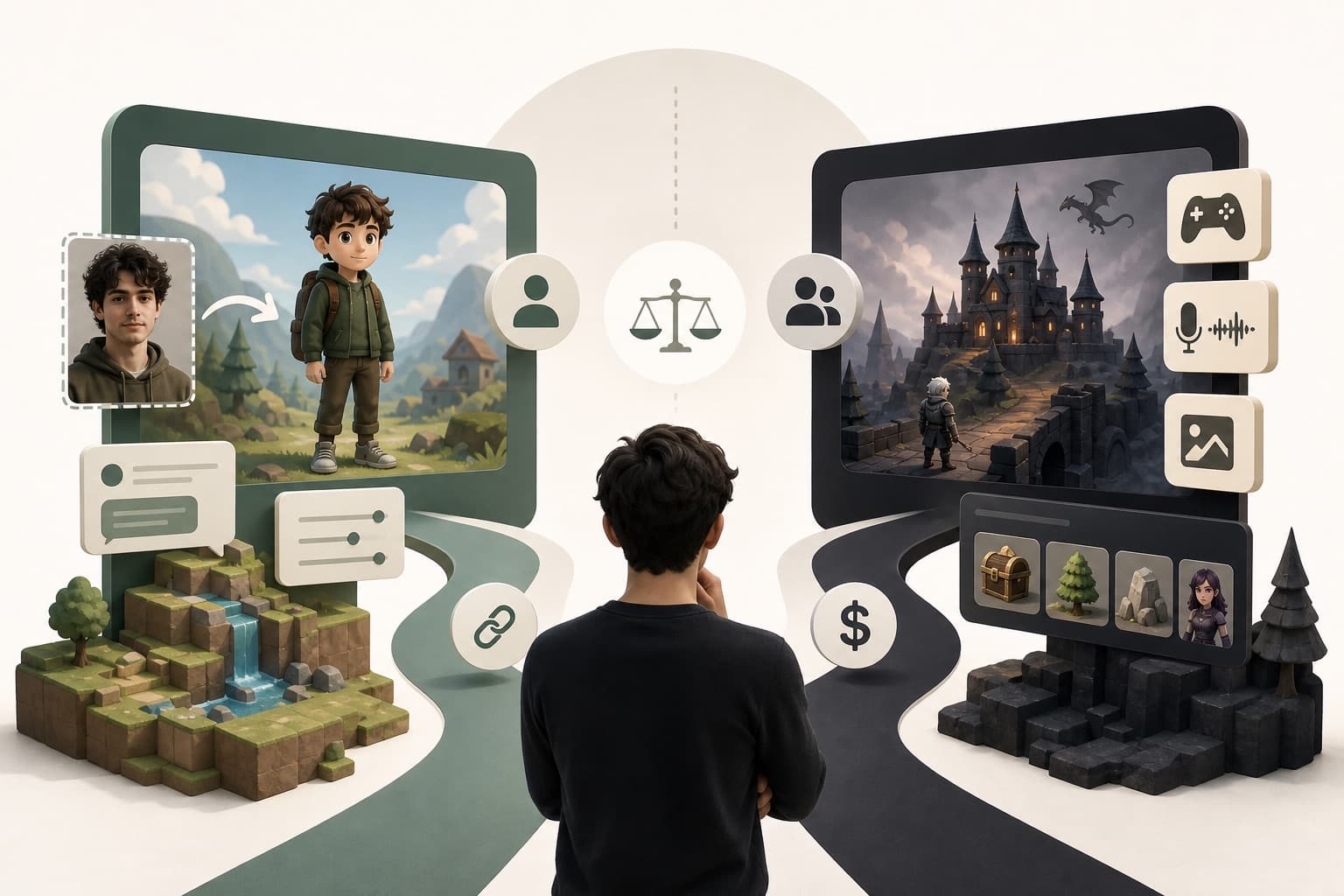
GameMaker gives you GML and full control. Makermint gives you a sentence and a share link.
Key takeaways
GameMaker is a beloved 2D engine behind indie hits like Undertale and Hyper Light Drifter, built around its own GML scripting language and a visual mode for beginners. It rewards the time you put into learning it with real control over every pixel and platform. Makermint takes a different route: describe your game in plain words and play it in minutes, with the visuals handled for you and a link ready to share.
GameMaker is a long-running 2D game engine with a devoted community and a real track record: Undertale, Hyper Light Drifter, Katana ZERO and Hotline Miami were all built in it. It's aimed at people who want to build a complete game themselves, from a single sprite to a shipped release. Beginners can start with GML Visual, a drag-and-drop way to wire up game logic, then move into GML, GameMaker's own scripting language, as their projects grow.
Upload a clear, front-facing photo and Makermint casts you as the playable character, in a game it builds for you or one you pick from the showcase.
Ask for changes in plain language and play the next version. No GML, no room editor, no drag-and-drop events to wire up.
Every finished game gets a share link right away. Play it, send it, or publish it to the Makermint community.
| Feature | Makermint | GameMaker |
|---|---|---|
| AI text-to-game generation | Yes | Not documented |
| Photo casting (play as yourself) | Yes | Not documented |
| Visuals handled for you | Yes | You supply your own art |
| Scripting language | None needed | GML, with a visual mode (GML Visual) |
| Platform exports | Web (share link) | Windows, Mac, mobile, web; console with an Enterprise licence |
| Cost to create and share | Free (early access) | Free tier, then a one-time fee; console needs a subscription |
| Time to a playable build | Minutes | Commonly days to months |
| Community to share and discover games | Yes | Yes |
Choose Makermint if you want a playable 2D game today without learning GML or sourcing art, and you'd rather describe changes in plain language than write them in code. It's a good fit for a quick idea, a game to share with friends, or trying a concept before committing real time to it.
Not exactly. Makermint turns a plain-language idea into a playable 2D game in minutes, while GameMaker is for building a complete game yourself with full control over code and export. Many people could use both, depending on what they're making that day.
Makermint's photo casting lets you upload a clear, front-facing photo and play as that character in a game Makermint builds, or one from the showcase. It doesn't recreate specific existing games like Undertale.
For anything beyond simple logic, generally yes. GameMaker's site describes GML Visual as a drag-and-drop option for basics, with GML itself needed for full control. Makermint needs no scripting at all.
No. Makermint publishes to the web with a share link. GameMaker's site describes console export as available with an Enterprise licence.
Yes, Makermint is free during early access.
It depends what you want to learn. Makermint gets you a playable game in minutes with no code, while GameMaker teaches scripting and game-building skills that carry over to other engines.
More guides and comparisons
Describe it in a sentence, or start from a showcase game. See why creators try Makermint alongside GameMaker. Free during early access.